
Welcome to EEC's new Professional Portal
The Department of Early Education and Care (EEC) is working on a new way to manage your professional trainings and growth. Use the portal to access the new StrongStart and apply for EEC professional certifications.
Available features
EEC Annual Registration

Create your Portal profile. This now counts as your EEC annual registration.
The new StrongStart Learning Management System (LMS)

Complete and track your professional development courses or trainings.
EEC professional certifications
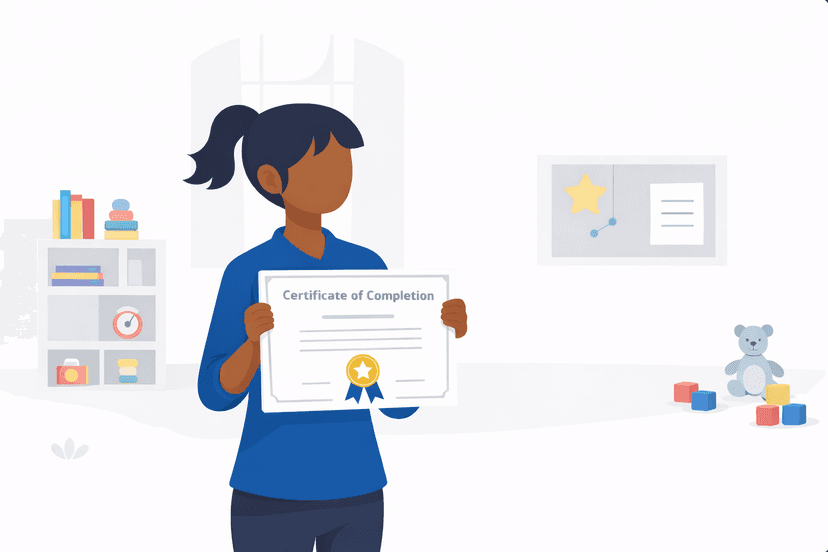
Apply for, review, and manage your EEC professional certifications.
How to get started
Create your Portal profile to set up your account. This now meets your annual registration requirement. You can no longer use the Professional Qualifications Registry (PQR) to complete your annual registration.
Learn more about changes to annual registration
Step 1: Log in with MyMassGov
You need to log in to the Professional Portal with your MyMassGov account. If you don't have a MyMassGov account, you'll need to create one.
Learn more about creating a MyMassGov account
Step 2: Complete your portal profile
Completing a profile now meets your annual registration requirement. This replaces PQR going forward.
Step 3: Proof of registration and your dashboard
Once you complete your Portal profile, this now counts as your annual registration and you can download your proof of registration from your dashboard.
Your dashboard is also where you'll:
- Access the StrongStart LMS
- Apply for or manage your EEC professional certifications
- Review or edit your Portal profile